Banner Artwork: Resolution Guide for Large-Format Printing
How many dpi do you need for a poster or banner? A practical guide to resolution, scale, bleed and file formats for large-format printing.
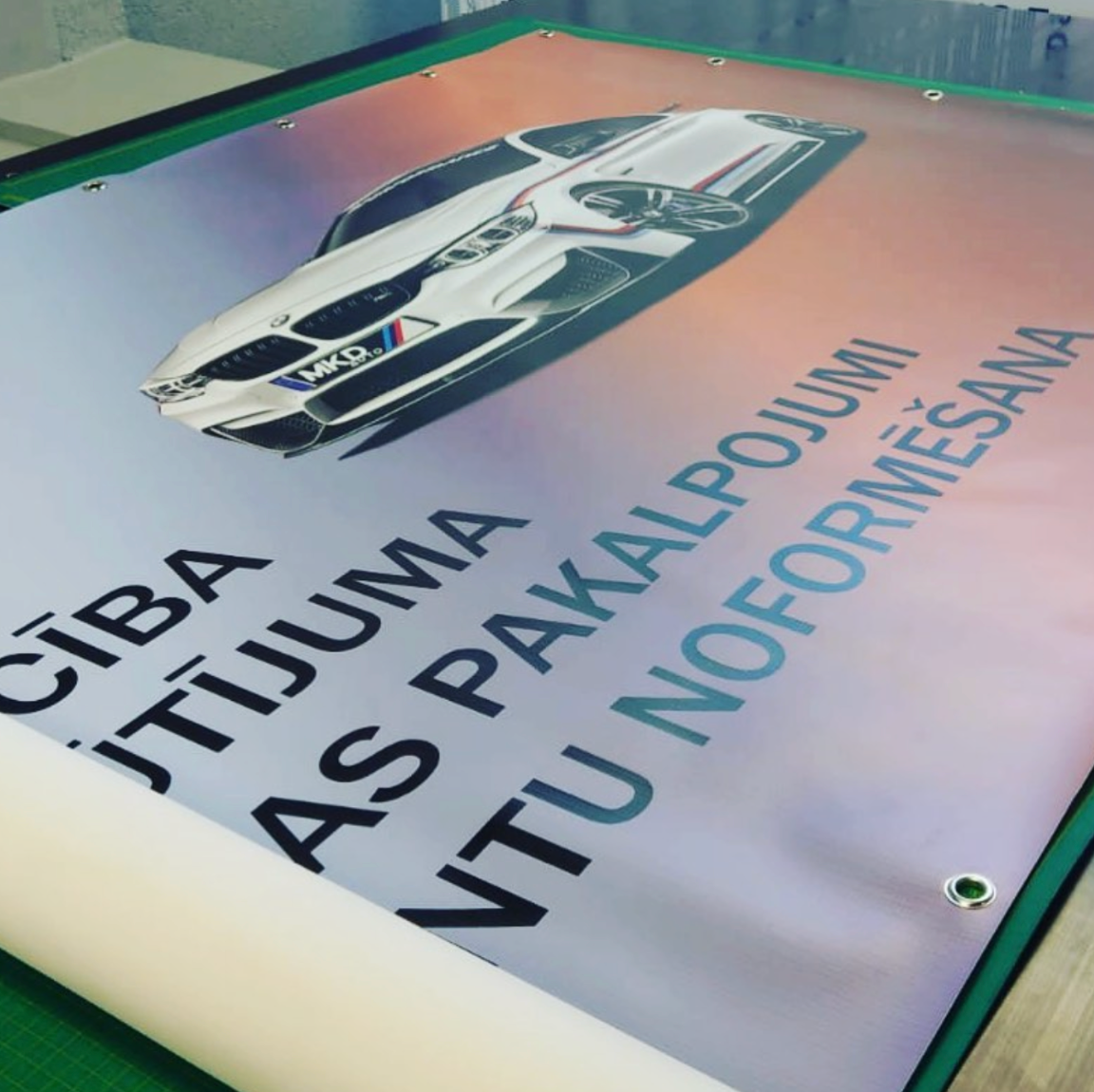
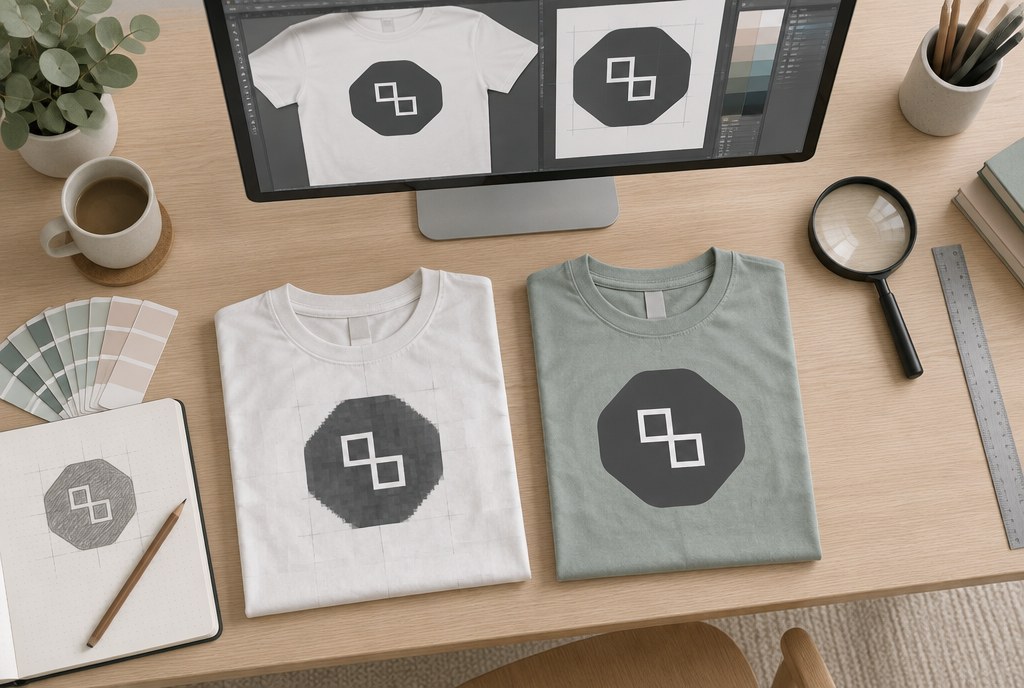
In practice, the resolution of a banner artwork depends on viewing distance, not on the "300 dpi" rule: an A3–A0 poster needs just 150 dpi at 1:1 scale, a PVC banner up to 3 m in length needs 100–120 dpi, while a 6×3 m facade banner viewed from 10 m away works perfectly well at 30–50 dpi at full size. For large files, we work at a 1:10 scale with 300 dpi — this gives the same 30 dpi at actual size, but keeps the file workable. Vector graphics (.ai, .eps, .pdf) have no resolution limits, so logos, text and shapes should always be supplied as vectors.
How to choose resolution based on viewing distance
In large-format printing, the eye can no longer distinguish individual dots once the viewer is further away. That's why we choose resolution based on how close the product will be viewed:
- up to 1 m (posters in a display case, handouts) — 150 dpi;
- 1–3 m (roll-up banners, indoor stands, posters) — 120–150 dpi;
- 3–10 m (PVC banners on a fence, sports halls) — 50–100 dpi;
- over 10 m (facade banners, rooftop banners) — 25–50 dpi.
If an image is a photo from a phone or a stock photo 2000 px wide, that means at 100 dpi it can be printed at roughly 50 cm width, while at 1 m width it only works out to 50 dpi — fine for a banner, but not enough for an A1 poster.
Specific pixel sizes for popular formats
| Product | Size | Scale | Recommended resolution | Pixels (approx.) |
|---|---|---|---|---|
| Poster A3 | 297×420 mm | 1:1 | 150 dpi | 1754×2480 |
| Poster A2 | 420×594 mm | 1:1 | 150 dpi | 2480×3508 |
| Poster A1 | 594×841 mm | 1:1 | 150 dpi | 3508×4967 |
| Poster A0 | 841×1189 mm | 1:1 | 150 dpi | 4967×7016 |
| Roll-up banner | 850×2000 mm | 1:1 | 120 dpi | 4016×9449 |
| PVC banner 3×1 m | 3000×1000 mm | 1:1 | 100 dpi | 11811×3937 |
| PVC banner 6×3 m | 6000×3000 mm | 1:10 | 300 dpi | 7087×3543 |
If a raster file ends up larger than 300–400 MB, it's better to switch to a 1:10 scale or reduce the dpi — the print quality won't suffer, but processing will be faster.
Bleed, safe zones and finishing
Posters
Add a 3 mm bleed on each side for posters and keep text at least 5 mm from the cut line. Crop marks aren't mandatory, but they don't hurt. For more on formats and prices, see our posters section.
PVC banners
Allow a 25–50 mm margin around the perimeter of the banner for the hem — don't place text or logos in that zone. Eyelets are set at standard 50 cm intervals, with mandatory eyelets in the corners. If the banner will be stretched on a frame, increase the safe zone to 80 mm. Material options and mounting methods are described on the banners and roll-up banners page.
Roll-up banners
For the standard 850×2000 mm cassette, the bottom 80–100 mm rolls into the cassette — important information must not be placed there. Leave 20 mm at the top for the profile.
Colours, text and file formats
- Colour space — CMYK, profile Coated FOGRA39 or ISO Coated v2. RGB files get converted, and saturated blues, oranges and neon shades become duller.
- Black text — 100% K only. For large black areas, use rich black (60/50/40/100), keeping total ink coverage under roughly 300%.
- Fonts converted to outlines or embedded in the PDF file.
- Recommended format — PDF/X-4 or PDF 1.4 with vectorised elements; for raster files, TIFF or high-quality JPEG (quality 10–12).
- Minimum text height for a banner — 30 mm if read from 10 m away; thin lines under 0.25 pt can disappear on banner material.
- Send files to info@attaprint.lv or via a WeTransfer/Google Drive link. Use WhatsApp for communication and approving sketches — images sent there get compressed and aren't suitable for printing.
Prices and turnaround
Indicative prices excl. VAT; artwork preparation for posters — EUR 0.00, if the file meets the requirements:
| Product | 1 pc | From 10 pcs | From 50 pcs |
|---|---|---|---|
| Poster A2, 200 g | from EUR 6.00 | from EUR 4.50 | from EUR 3.20 |
| Poster A1, 200 g | from EUR 9.00 | from EUR 7.00 | from EUR 5.50 |
For PVC banners, mesh and photo banners, we calculate the price per m² depending on material, finishing and number of eyelets (indicatively from EUR 14–15/m² excl. VAT) — we prepare a quote once sizes and mounting method are confirmed. We also work with single pieces; larger quantities bring the price down. Turnaround is usually 2–5 business days depending on product and quantity, posters more often 2–4 business days; urgent jobs by arrangement. For other printing services, see our shop section.
What we do if the artwork doesn't meet requirements
When we receive a file, we check the size, resolution, colour space and bleed. If an image is too small, we offer two solutions: adjust the composition (smaller image area with a colour background) or look for a different source file. If needed, we adjust the artwork or prepare it from scratch — we agree on the scope of work beforehand. Before printing, we always send a digital artwork approval; please confirm it within one business day so the deadline isn't delayed.
Frequently asked questions
Does a banner really not need 300 dpi?
No, it doesn't. 300 dpi is the standard for materials held in your hands from 30 cm away. For a banner viewed from 5–10 m, 50–100 dpi at actual size looks sharp, but the file stays 10–20 times smaller and much easier to process.
How do I correctly submit a file at 1:10 scale?
Create a document 10 times smaller (for example, 600×300 mm for a 6×3 m banner) at 300 dpi, and note in the file or email: "scale 1:10, final size 6000×3000 mm". We take care of the rest when preparing the file for print.
Can I send a Canva or PowerPoint file?
We can work with them, but quality is lower: Canva exports in RGB, and PowerPoint often compresses images. From Canva, choose PDF Print with bleed; for PowerPoint, also send the original images and logo as a vector.
How much bleed do I need for a poster and a banner?
For posters, 3 mm on each side. For a PVC banner with hems and eyelets — a 25–50 mm safe zone around the perimeter with no text or logos.
Do you help prepare artwork from scratch?
Yes. We'll need the text, logo as a vector, photos at sufficient resolution and your preferred format. We agree on the scope of work and price before starting.
Send your file or just the dimensions to info@attaprint.lv, call +371 25776699 or message WhatsApp on the same number — project manager Madara will check the artwork and prepare a quote within one business day. Contact details and address (Kandavas iela 29A, Riga): see Contacts.
FAQ
Does a banner really not need 300 dpi?
No, it doesn't. 300 dpi is the standard for materials held in your hands from 30 cm away. For a banner viewed from 5–10 m, 50–100 dpi at actual size looks sharp, but the file stays 10–20 times smaller and much easier to process.
How do I correctly submit a file at 1:10 scale?
Create a document 10 times smaller (for example, 600×300 mm for a 6×3 m banner) at 300 dpi, and note: scale 1:10, final size 6000×3000 mm. We enlarge it during print preparation.
Can I send a Canva or PowerPoint file?
We can work with them, but quality is lower: Canva exports in RGB, and PowerPoint often compresses images. From Canva, choose PDF Print with bleed; for PowerPoint, also send the original images and logo as a vector.
How much bleed do I need for a poster and a banner?
For posters, 3 mm on each side. For a PVC banner with hems and eyelets — a 25–50 mm safe zone around the perimeter with no text or logos.
Do you help prepare artwork from scratch?
Yes. We'll need the text, logo as a vector, photos at sufficient resolution and your preferred format. We agree on the scope of work and price before starting.