T-Shirt Print Artwork: Size, DPI and Transparent Background
Guide to the file you should submit for T-shirt printing: actual size in millimetres, 300 dpi, vector or PNG with a transparent background, so there are no white edges.
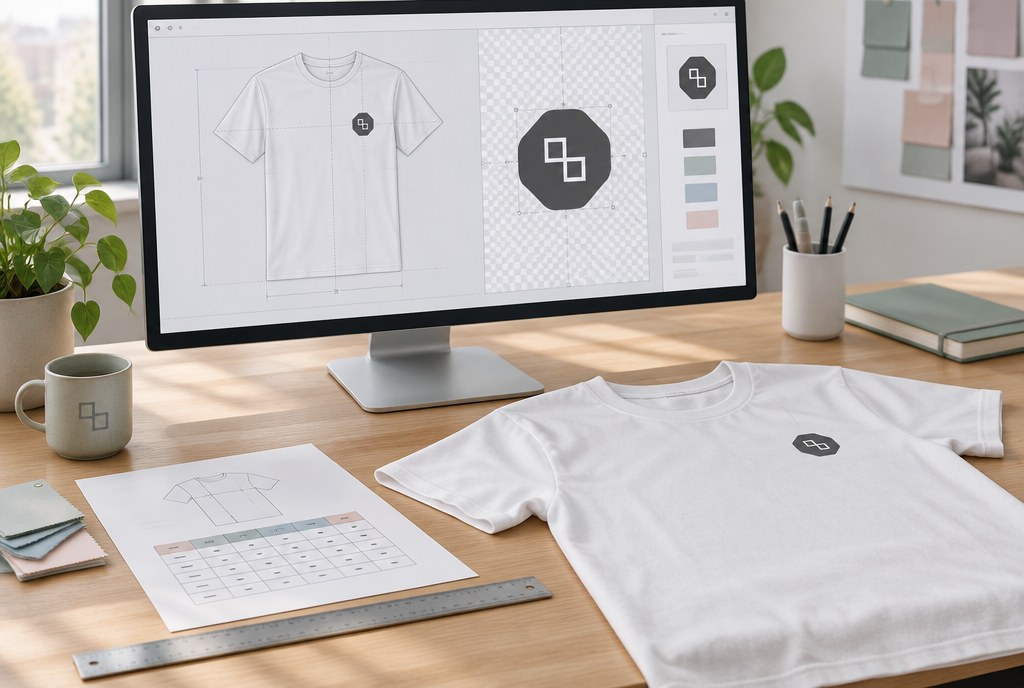
A T-shirt print artwork should be submitted at actual size in millimetres (for example, 280×210 mm for the front), in a vector format (.ai, .eps, .pdf, .svg) or as a PNG with a transparent background at 300 dpi resolution. If the file is a JPG, it will always have a white square around it — the JPG format doesn't support transparency, so it can't be used for DTF transfer. Vector graphics are the best option: they can be scaled without loss of quality and used for both screen printing and embroidery.
1. Determine the print position and size
First decide where the logo will go on the T-shirt, and create the artwork at exactly that size. Our standard print areas:
| Print position | Maximum size | Suitable for |
|---|---|---|
| Left chest | 110×90 mm | Logo, small text |
| Front / back | 280×210 mm | Large design, numbers, slogans |
| Sleeve | 80×60 mm | Brand mark, hashtag |
| Embroidery | up to 90×90 mm | Logo on polo shirts, caps, jackets |
For children's sizes, we scale down the large print area proportionally — 280×210 mm on a size 116 cm T-shirt looks disproportionate, so we usually use 200×150 mm or less. If you're not sure, send us the file and specify the desired height — we'll adjust the size to match the specific T-shirt model and size range.
How to check the size in practice
Print the artwork on an A4 sheet at 100% scale and hold it against the T-shirt. This immediately shows whether the logo is too small or runs over the seams. Print doesn't adhere evenly over seams, zips and pockets, so we plan the print area on a flat section.
2. Resolution: 300 dpi at actual size
Raster images (photos, scans, complex gradient illustrations) need 300 dpi at the size they'll be printed. In practice, this means:
- 110×90 mm logo = approximately 1300×1060 px
- 280×210 mm front = approximately 3300×2480 px
- 80×60 mm sleeve = approximately 945×710 px
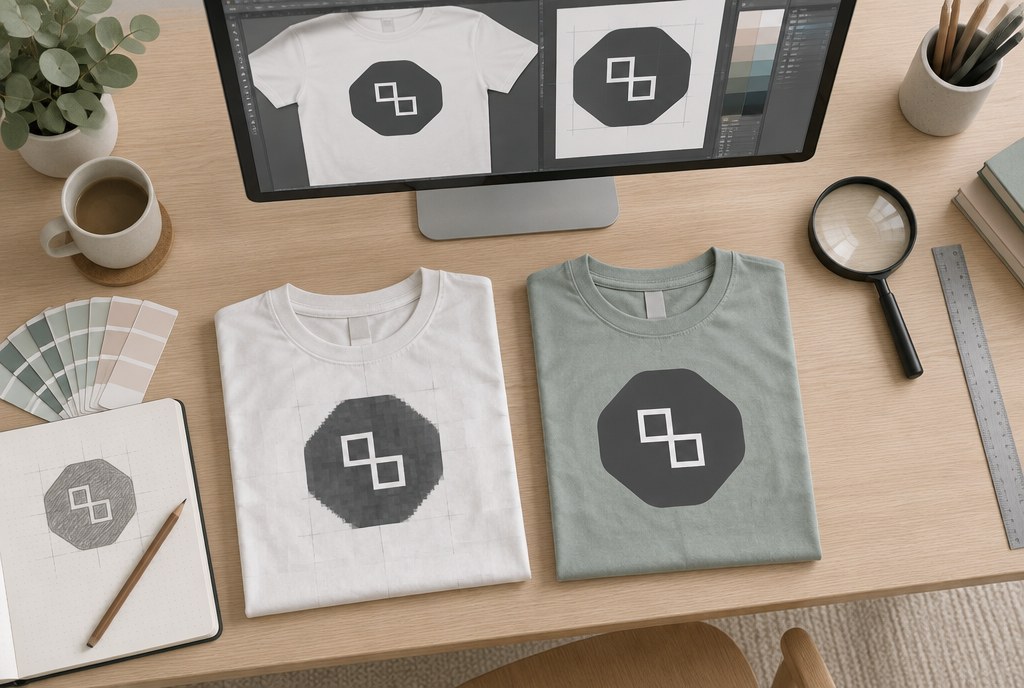
A logo taken from a website (usually 72 dpi, 500 px wide) is only sharp enough for a print of around 40 mm. Enlarging it to 280 mm makes the outlines blurry and letter edges jagged. In this case, it's better to redraw the logo in vector format — a one-off job you can then reuse for all future orders, including stickers and business cards.
3. Transparent background: how to avoid a white edge
For DTF transfer, we only print what is opaque in the file. Everything else stays empty, and the fabric shows through it. So:
- Save a PNG with an alpha channel (transparency) or a PDF/AI with no fill in the background.
- Don't use JPG — its background is always white.
- Check that there isn't a white rectangle left behind the design from a Photoshop "Background" layer. Turn on only the design layer and check whether a checkerboard pattern is visible in the background.
- If the logo has white elements (for example, white text on a dark T-shirt), these need to be kept — white is printed in DTF printing and appears white on a black T-shirt.
- Don't leave a "safety" frame or light shadow around the design — after cutting, this forms a barely noticeable matte edge.
The logic for screen printing is different: each colour is separated onto its own screen, so the design must be submitted in vector format with precisely defined colours (preferably Pantone). Gradients and photographs aren't suitable for screen printing — we print those with DTF. Read more about the methods in our garment printing section.
4. File requirements by print method
| Method | Format | Background | Colours | Price from (excl. VAT) |
|---|---|---|---|---|
| DTF up to A4 | PNG 300 dpi, PDF, AI | Transparent | Full colour, photo, gradients | EUR 6.00/pc; from 50 pcs EUR 4.20 |
| Screen printing 1 colour | AI, EPS, PDF (vector) | No background, lines as paths | 1–4 colours, Pantone | EUR 3.50/pc; from 100 pcs EUR 1.90 + setup EUR 35 |
| Embroidery up to 10,000 stitches | AI, EPS, PDF (vector) | Not important | 1–6 thread colours | EUR 5.50/pc; from 50 pcs EUR 3.80 + setup EUR 25 |
Prices are indicative and apply to the printing, not the garment; the exact amount depends on quantity, number of colours and number of positions.
Text, lines and fonts
Convert text in the vector file to outlines (Create Outlines) — this way the font won't be lost. In screen printing, the thinnest reliably printable line is about 0.5 mm; in embroidery, text height shouldn't be smaller than 4–5 mm, otherwise the letters merge. DTF allows finer detail, but even there, 0.3 mm lines on knitwear tend to break after several washes.
Examples from our catalogue
A few examples from our catalogue:
- Beagle 155 g/m² men's T-shirt – 100% cotton, 36 colours, suitable for both DTF and screen printing, price from EUR 2.22/pc at 1 pc.
- Stafford 190 g/m² men's T-shirt – denser cotton, 41 colours, holds a large 280×210 mm screen print area well, from EUR 3.06/pc.
- Capri 170 g/m² women's T-shirt – cotton, 34 colours, fitted cut, chest logo 110×90 mm, from EUR 2.90/pc.
- Star 200 g/m² men's polo shirt – cotton polo, 34 colours, the most common choice for embroidery up to 90×90 mm, from EUR 5.81/pc.
- Bahrain 135 g/m² men's sports T-shirt – polyester, 23 colours, better suited to DTF or sublimation for sports use, from EUR 2.00/pc.
- Stafford 190 g/m² children's T-shirt – cotton, 38 colours, we scale the artwork down to approximately 200×150 mm, from EUR 2.49/pc.
What to submit with your order
- The design file (vector or PNG with a transparent background, 300 dpi).
- The desired print size in mm and position (chest, back, sleeve).
- The T-shirt model, colour and size breakdown (for example, S–2, M–5, L–5, XL–3).
- The required deadline.
We'll then send you a visualisation of the artwork on the specific garment colour — confirmation takes place by email. Garment printing usually takes 6–10 business days (production 4–7 business days depending on quantity, plus delivery); urgent jobs by arrangement.
Frequently asked questions
Why is there a white edge around the print?
This means the background in the file isn't transparent — most often a JPG has been submitted, or a PNG with a white layer behind the design. Send a PNG with an alpha channel or a vector file, and the edge will disappear.
Can I use a 72 dpi logo from a website?
Only for small sizes. A 500 px wide file looks sharp up to about 40 mm. For a larger print, the logo needs to be redrawn in vector format, or you'll need to supply the original .ai/.eps file.
What colour space should the artwork be prepared in?
CMYK for print files; for screen printing, also specify Pantone codes. If you submit RGB, we'll convert it, but bright neons and blue tones may shift slightly — we'll show this in the artwork proof.
Can a photograph be printed on a T-shirt?
Yes, using DTF transfer. A photograph needs 300 dpi at actual size; photographs aren't suitable for screen printing, since each colour would need a separate screen layer.
How much does artwork preparation cost?
If the file is ready, no setup fee applies for DTF printing. For screen printing, screen production is EUR 35 per job; for embroidery, digitising is EUR 25 — one-off fees, not charged on repeat orders.
Can you print just 1 T-shirt?
Yes, we also work with single pieces — DTF printing up to A4 from EUR 6.00/pc. Screen printing becomes cost-effective from 50 pcs and up.
Send your file to info@attaprint.lv, call +371 25776699 or message us on WhatsApp at the same number — we'll check the artwork and send you a quote within one business day with the print size, price and deadline. Contact details and address: attaprint.lv/kontakti.
FAQ
Why is there a white edge around the print?
This means the background in the file isn't transparent — most often a JPG has been submitted, or a PNG with a white layer behind the design. Send a PNG with an alpha channel or a vector file, and the edge will disappear.
Can I use a 72 dpi logo from a website?
Only for small sizes. A 500 px wide file looks sharp up to about 40 mm. For a larger print, the logo needs to be redrawn in vector format, or you'll need to supply the original .ai/.eps file.
What colour space should the artwork be prepared in?
CMYK for print files; for screen printing, also specify Pantone codes. If you submit RGB, we'll convert it, but bright neons and blue tones may shift slightly — we'll show this in the artwork proof.
Can a photograph be printed on a T-shirt?
Yes, using DTF transfer. A photograph needs 300 dpi at actual size; photographs aren't suitable for screen printing, since each colour would need a separate screen layer.
How much does artwork preparation cost?
If the file is ready, no setup fee applies for DTF printing. For screen printing, screen production is EUR 35 per job; for embroidery, digitising is EUR 25 — one-off fees, not charged on repeat orders.
Can you print just 1 T-shirt?
Yes, we also work with single pieces — DTF printing up to A4 from EUR 6.00/pc excl. VAT. Screen printing becomes cost-effective from 50 pcs and up.