Logo Vectorisation: How to Get a Print-Ready File from a JPG
A practical guide to logo vectorisation when all you have is a JPG: steps, tools, timeframes and approximate costs in Latvia.
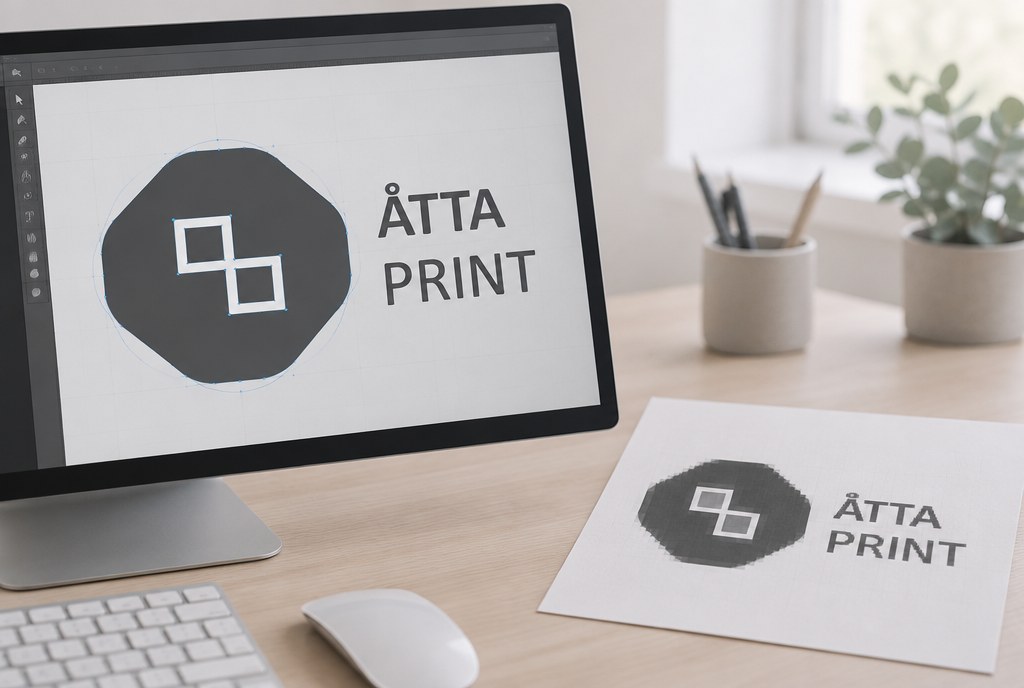
Logo vectorisation means redrawing a JPG image as curves in .ai, .eps or .pdf format, so it can be enlarged to a 3 m banner without losing quality. An experienced designer can redraw a simple logo (text + one shape) in 20–60 minutes; a more complex one with gradients and fine details takes 2–4 hours. On the Latvian market, the approximate price is EUR 15–60 excl. VAT, and in our orders the preparation fee is often already included in the line item or is EUR 0 — we confirm the exact amount after reviewing the file, within one business day.
Why a JPG won't work for most print jobs
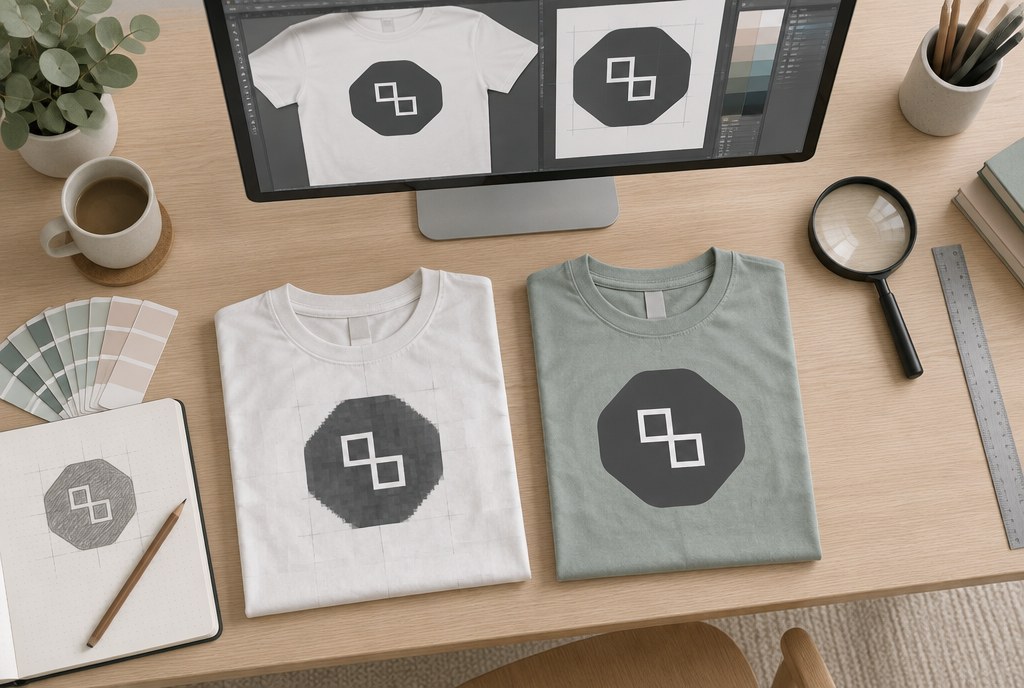
A JPG is a pixel image: it's made up of a fixed number of dots. Enlarge it twice over and the dots get bigger, making edges look jagged or blurry. A vector file, on the other hand, stores not dots but a mathematical description — lines, curves and fill colour — so size doesn't affect sharpness.
For some jobs a JPG is still acceptable if the resolution is high enough: 300 dpi at actual print size for digital printing, and 100–150 dpi for large-format printing viewed from a distance. But there are technologies where a vector is mandatory — contour cutting, screen printing, embroidery and cut vinyl. There, the machine needs a precise path to cut along or to separate colours.
| Product | Is a good-quality JPG enough | What's ideal |
|---|---|---|
| Business cards, flyers | Partially (from 300 dpi) | Vector + CMYK |
| A3–A0 posters | Yes, if 150 dpi at size | Vector for text |
| Stickers with contour cutting | No | Vector with cut line |
| PVC banners, roll-up stands | Yes, if 100–150 dpi | Vector logo and text |
| Screen printing on garments | No | Vector, colours separated |
| Embroidery | No | Vector → digitising software |
| DTF transfer | Yes, if 300 dpi with transparent background | PNG or vector |
How to check if the file is already a vector
Before paying for vectorisation, check what you already have. Open the PDF on your computer and zoom in on the logo to 1600%. If the edges stay smooth, it's a vector. If little squares appear, there's an image embedded inside, and the .pdf extension doesn't change that.
Often the original turns out to be somewhere. Ask whoever designed the logo, or your previous advertising agency — they usually have an .ai or .eps working file saved. That's the fastest and cheapest route.
Step-by-step instructions
1. Prepare the best available JPG
Find the largest version you can — from a website header, a presentation, or an old business card PDF. The more pixels, the more accurate the tracing will be. A 200×80 px icon from an email signature is a poor source; 2000×800 px is good.
2. Automatic tracing
Adobe Illustrator: place the image, choose Object → Image Trace, select the "Black and White" or "3 Colours" mode, adjust Threshold and Paths, then click Expand. Inkscape (free): Path → Trace Bitmap. Free online tools give a rough result that almost always needs fixing afterwards.
Automatic tracing works well if the logo is simple, with clear contrast and no gradients. The result usually has too many anchor points — these need to be reduced with Simplify, otherwise a cutting plotter will "stutter" on rounded edges.
3. Text needs to be rebuilt with the actual font
Traced text almost always looks slightly off — letter edges become wavy. The correct approach is to identify the font and retype the text from scratch, then convert it to curves (Type → Create Outlines). If the font is unknown, the designer picks the closest match and confirms it with the client.
4. Sort out the colours
Define colours in CMYK or Pantone values, not RGB. In screen printing, each colour is a separate cost item: 1 colour, 1 position costs from roughly EUR 3.50/pc, from 100 pieces from EUR 1.90/pc plus a EUR 35.00 setup fee. That's why the 12 colour shades conjured up by a JPG need to be consolidated down to 2–3 real colours.
5. Save in several formats
A practical set: .ai (working file), .pdf (universal), .eps (for older equipment), .svg (for the website) and .png with a transparent background for presentations. It's also useful to have a black-and-white and a single-colour version — needed for embroidery and printing on dark fabric.
When automation doesn't help
Manual redrawing with the Pen tool is needed if the logo has gradients, thin lines under 1 pt, shadows, photographic elements, or if the source is a blurry scan. Manual work is also needed if the logo will be used as a cutting contour for stickers — there, every unnecessary curve lengthens the cutting time and worsens the edge quality.
Embroidery is a special case: the vector is only the first step, because the file is then rewritten in embroidery digitising software. Embroidery up to 10,000 stitches costs approximately from EUR 5.50/pc, from 50 pcs from EUR 4.20/pc, with a EUR 25.00 setup fee.
Prices and timeframes
| Job | Approximate time | Approximate, EUR excl. VAT |
|---|---|---|
| Simple logo (text + shape) | 20–60 min | 15–25 |
| Medium complexity (icon + text) | 1–2 h | 25–45 |
| Complex (details, gradients) | 2–4 h | 45–80 |
| Embroidery digitising | separate | 25 (setup) |
Prices are approximate; we confirm the exact amount after reviewing the file. If an order is large enough, we often include simple logo preparation in the setup fee at no extra charge. Vectorisation usually takes 1 business day, after which the regular production time begins — stickers, banners and posters 2–5 business days, promotional products with logo printing 5–10 business days after artwork approval.
What to send us
Send the largest JPG you have to info@attaprint.lv or WhatsApp, let us know where the logo will be used (stickers, T-shirts, banner) and include colour codes if known. If you're planning several products, say so right away — we'll prepare the file so it works for print jobs, garment printing and stickers with contour cutting alike.
Frequently asked questions
Can you vectorise a screenshot from a website?
Yes, but the result will be a redrawing, not an exact copy of the original. From a 300×120 px image, the designer rebuilds shapes and text manually, and letter proportions may differ slightly. If possible, look for the original file first.
How much does logo vectorisation cost at Atta Print?
Approximately EUR 15–80 excl. VAT depending on complexity. For larger orders, we often sort out simple logos at no extra charge. We confirm the exact price after reviewing the file.
Is a PDF already a vector?
Not always. A PDF can contain either a vector or an embedded JPG. Zoom in on the file to 1600% — if pixels appear, it's an image inside a PDF wrapper.
How long does it take?
In standard cases, 1 business day. For urgent cases, we can sort out a simple logo within a few hours if arranged in advance.
Can AI tools replace a designer?
Automatic tracing gets you 70–80% of the way there, but cleaning up anchor points, rebuilding fonts and sorting out colours still needs to be done by a person. An unchecked automatic file on a screen printing screen or a cutting plotter usually causes problems.
Send your JPG to info@attaprint.lv, call +371 25776699, or message the same number on WhatsApp — our project manager Madara will tell you whether vectorisation is even needed. We prepare a quote together with the print price within one business day.
FAQ
Can you vectorise a screenshot from a website?
Yes, but the result will be a redrawing, not an exact copy of the original. From a 300×120 px image, the designer rebuilds shapes and text manually, and letter proportions may differ slightly. If possible, look for the original file first.
How much does logo vectorisation cost at Atta Print?
Approximately EUR 15–80 excl. VAT depending on complexity. For larger orders, we often sort out simple logos at no extra charge. We confirm the exact price after reviewing the file.
Is a PDF already a vector?
Not always. A PDF can contain either a vector or an embedded JPG image. Zoom in on the file to 1600% — if pixels appear, it's an image inside a PDF wrapper.
How long does logo vectorisation take?
In standard cases, 1 business day. For urgent cases, we can sort out a simple logo within a few hours if arranged in advance.
Can AI tools replace a designer?
Automatic tracing gets you 70–80% of the way there, but cleaning up anchor points, rebuilding fonts and sorting out colours still needs to be done by a person. An unchecked automatic file on a screen printing screen or a cutting plotter usually causes problems.