Print File Format: AI, EPS, PDF, SVG or PNG?
Which print file format is right for stickers, business cards, posters and garment printing. Comparison, resolution requirements and preparation costs.
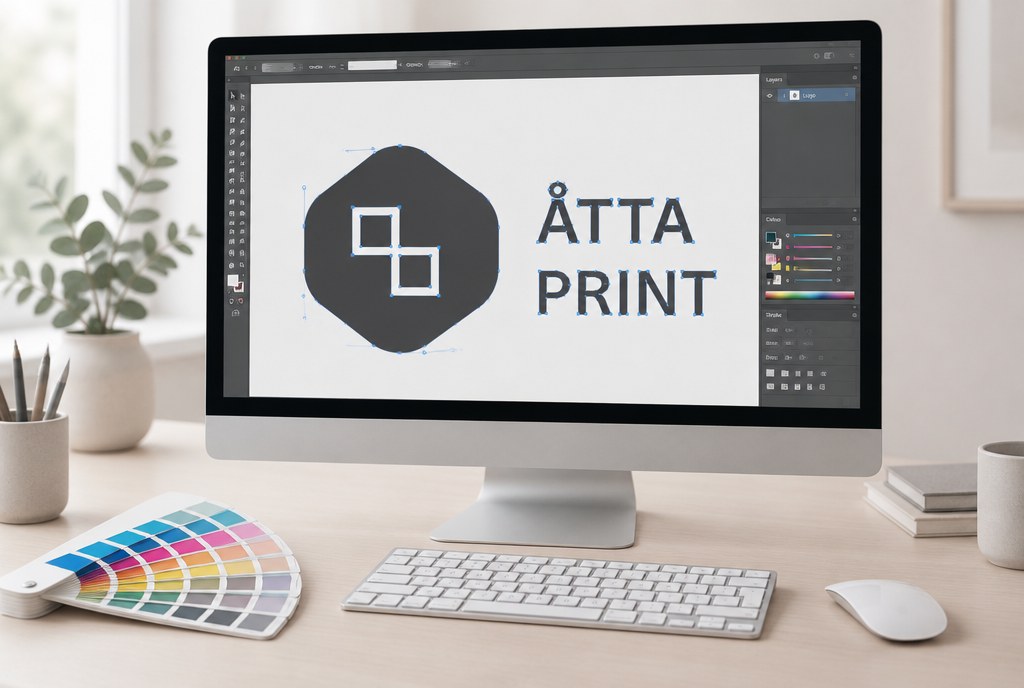
The safest print file format is PDF with embedded fonts and vector graphics, in CMYK colour space — any print shop can open and check it, and the result stays consistent regardless of software. AI and EPS work just as well if fonts are converted to outlines; SVG is acceptable for logos and simple graphics, but PNG and JPG are only suitable for photos, and only if the resolution is at least 300 dpi at real size (for large-format printing — 100–150 dpi). If a file doesn't meet requirements, 15–30 minutes of rework is usually enough, but redrawing a design from an image is a separate job.
Vector vs raster — where it all starts
Vector graphics (AI, EPS, vector PDF, SVG) consist of mathematically described lines and shapes. They can be scaled up from a business card to a 3-metre banner without any loss of quality, and a cutting plotter reads the outline directly from them. That's why logos, text, icons and contour-cutting lines should always be in vector format.
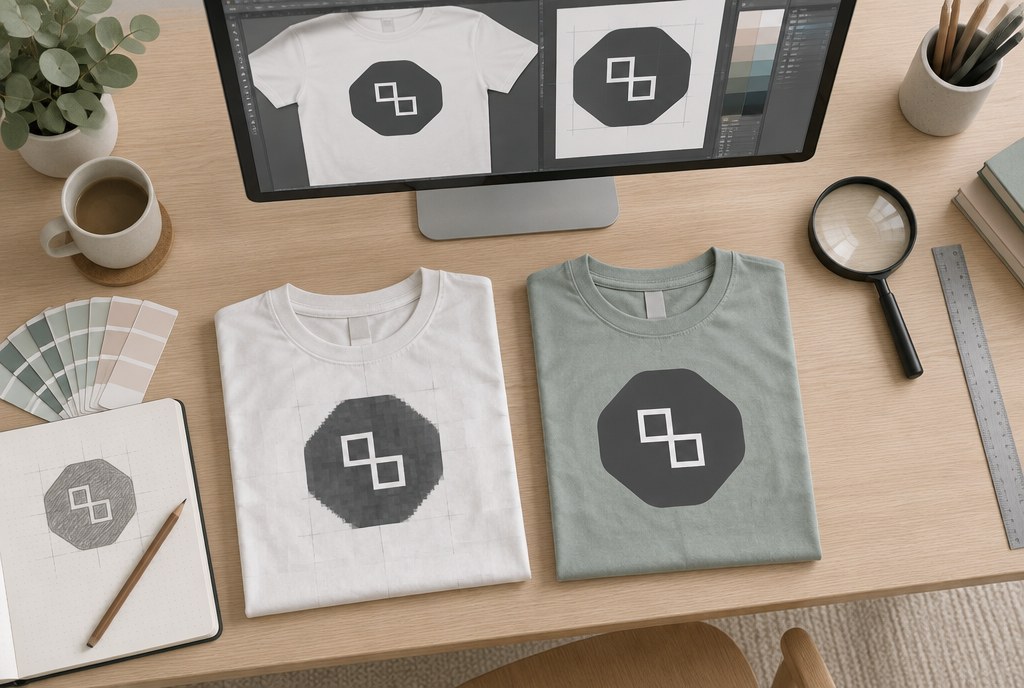
Raster graphics (PNG, JPG, TIFF, PSD) consist of pixels. When enlarged, they become blurry, and no software can "restore" pixels. Photographs are raster by nature, and that's normal — what matters is that the size matches the print size.
Format comparison
| Format | Type | Best for | What to consider |
|---|---|---|---|
| PDF (vector, PDF/X-4) | Vector + raster | Everything: business cards, catalogues, posters, stickers | The best option. Fonts embedded or outlined, CMYK, 3 mm bleed |
| AI (Illustrator) | Vector | Logos, contour-cut stickers, screen printing | Attach linked images or embed them in the file |
| EPS | Vector | Logo archive, embroidery and screen printing preparation | Older format; transparency may be lost — convert fonts to outlines |
| SVG | Vector | Logo from a website, simple graphics | No CMYK; effects and fonts often get lost — needs checking |
| PNG | Raster | Logo with transparent background, DTF printing | Needs 300 dpi at real size; no CMYK |
| JPG | Raster | Photos only | Compression artefacts; doesn't support transparency |
| TIFF | Raster | Photo banners, large-format images | Large file size, but reliable quality |
| DOCX, PPTX, CDR | Mixed | Not print files | Re-save as PDF; colours and fonts shift |
Requirements by product
Stickers
A vector cutting path on a separate layer is essential for contour cutting — without it, the plotter doesn't know where to cut. If the sticker includes a photo, the photo can be raster, but the outline must be vector. See details and prices on the stickers page.
Business cards, flyers, catalogues
PDF with 3 mm bleed on each side, text at least 3 mm from the cut line, black text as 100% K (not four-colour black). For multi-page items, send a single PDF with pages in the correct order, not separate images. Browse products in the business cards and flyers section.
Posters and banners
A2–A0 posters work fine at 150–300 dpi. For PVC banners and roll-up stands, 100–150 dpi at real size is perfectly normal, since the viewing distance is measured in metres. Allow 30–50 mm extra margin on banners for folding or the frame profile.
Garment printing
For screen printing, each colour needs to be separated individually, so the file must be in vector format (AI, EPS, PDF) with specified Pantone shades. For DTF transfer, we also accept PNG with a transparent background, as long as it's no less than 300 dpi at print size. For embroidery, we prepare a digitised programme from the vector file — fine lines under 1 mm and small text under 4 mm in height don't look good in thread.
Colour: why an RGB file looks different
Screens display RGB, printing works in CMYK. Bright blues, neon greens and vivid oranges become 10–20% duller in CMYK — this isn't a printing fault, but a limitation of the colour space. If a brand colour is critical, specify the Pantone code: it's best reproduced in screen printing and in sticker cutting from coloured vinyl.
For large black areas, use C40 M30 Y30 K100 — K100 alone over a large surface looks grey. For small text, on the other hand, use K100 only.
How much file preparation costs
If the file is correct, there's no extra charge. Below are the actual preparation items from our price list (indicative, excl. VAT) — the exact price depends on quantity and print method.
| Item | Price from | Preparation |
|---|---|---|
| Stickers on matte or glossy vinyl | EUR 24.00/m² (from 5 m² — 22.00; from 20 m² — 19.00) | EUR 0.00 |
| Contour cutting | EUR 8.00/m² | EUR 0.00 |
| Business cards 90x55 mm, 300 g (100 pcs) | EUR 25.00/set (from 3 sets — 22.00) | EUR 0.00 |
| Catalogue A4, 8 pp., 170 g | EUR 3.50/pc (from 100 pcs — 2.40) | EUR 15.00 |
| Catalogue A5, 8 pp., 170 g | EUR 2.20/pc (from 100 pcs — 1.50) | EUR 15.00 |
| Poster A2, 200 g | EUR 6.00/pc (from 50 pcs — 3.20) | EUR 0.00 |
| Poster A1, 200 g | EUR 9.00/pc (from 50 pcs — 5.50) | EUR 0.00 |
| Screen printing, 1 colour, 1 position | EUR 3.50/pc (from 100 pcs — 1.90) | EUR 35.00 (screen setup) |
| DTF transfer up to A4 | EUR 6.00/pc (from 50 pcs — 4.20) | EUR 0.00 |
| Embroidery up to 10,000 stitches | EUR 5.50/pc (from 50 pcs — 3.80) | EUR 25.00 (digitising) |
You'll find the full range of services and sizes in the printing services section.
How to send files
For files up to 20 MB, email info@attaprint.lv; for larger files, use a WeTransfer, Google Drive or Dropbox link, or WhatsApp to +371 25776699. Include the product and size in the file name, for example "stickers_90x50_500pcs.pdf". Before production, we send a digital proof for approval; once the proof is approved, the standard turnaround for stickers, banners and posters is 2–5 business days, while promotional products with printing take 5–10 business days — urgent jobs by arrangement.
Frequently asked questions
Can you print from a PNG or JPG file?
Yes, if the resolution is sufficient: 300 dpi at real print size for small formats, 150–300 dpi for posters, 100–150 dpi for banners. A quality print result can't be achieved from a screenshot or a social media image (usually 72 dpi).
I only have a logo in JPG format. What should I do?
The logo can be redrawn in vector format. For a simple logo, this takes about 30–60 minutes; more complex ones take longer — we quote the price after reviewing the file. The redrawn vector file is yours to keep and will be useful for all future jobs.
Why does the printed colour differ from the screen?
Screens work in RGB with backlighting, while printing uses CMYK inks on paper. Some bright shades can't be reproduced in CMYK. If a colour is critical, specify the Pantone code or order a sample print.
Is bleed mandatory?
Yes, for all products that are cut — 3 mm on each side, for business cards, flyers and catalogues. Without bleed, white edges can appear after cutting.
What file do I need for contour-cut stickers?
A vector PDF, AI or EPS file where the cutting contour is a separate line (ideally named "CutContour"). If there's no contour, we'll draw one based on the design.
Do you accept Canva files?
Yes, but export as "PDF for print" with bleed. Canva works in RGB, so we check and adjust colours before printing.
Send your file to info@attaprint.lv or WhatsApp +371 25776699 — we check it free of charge and get in touch with you with any technical notes. We prepare quotes within one business day.
FAQ
Can you print from a PNG or JPG file?
Yes, if the resolution is sufficient: 300 dpi at real print size for small formats, 150–300 dpi for posters, 100–150 dpi for banners. A quality print result can't be achieved from a screenshot or a social media image (usually 72 dpi).
I only have a logo in JPG format. What should I do?
The logo can be redrawn in vector format. For a simple logo, this takes about 30–60 minutes; more complex ones take longer — we quote the price after reviewing the file. The redrawn vector file is yours to keep and will be useful for all future jobs.
Why does the printed colour differ from the screen?
Screens work in RGB with backlighting, while printing uses CMYK inks on paper. Some bright shades can't be reproduced in CMYK. If a colour is critical, specify the Pantone code or order a sample print.
Is bleed mandatory?
Yes, for all products that are cut — 3 mm on each side, for business cards, flyers and catalogues. Without bleed, white edges can appear after cutting.
What file do I need for contour-cut stickers?
A vector PDF, AI or EPS file where the cutting contour is a separate line (ideally named "CutContour"). If there's no contour, we'll draw one based on the design.
Do you accept Canva files?
Yes, but export as "PDF for print" with bleed. Canva works in RGB, so we check and adjust colours before printing.