Print proof approval: what to check before saying "yes"
A practical checklist for what to check in a print proof before approving it: dimensions, bleed, CMYK, fonts, resolution and text.
Approving a print proof is the moment when responsibility for the content shifts to the customer — so before saying "yes", it's worth spending 10–15 minutes on six checks: size and bleed (3 mm), colour space (CMYK), image resolution (300 dpi for small formats, 100–150 dpi for banners), outlined fonts, correct contact details, and a safe margin for text. Once the proof is approved, stickers, banners and posters are usually ready in 2–5 business days, while promotional products with logo printing take 5–10 business days — and any correction at this stage means a whole new production cycle. A simple typo in a phone number on 1,000 flyers costs just as much as reprinting the entire run.
What is a proof and why does it matter
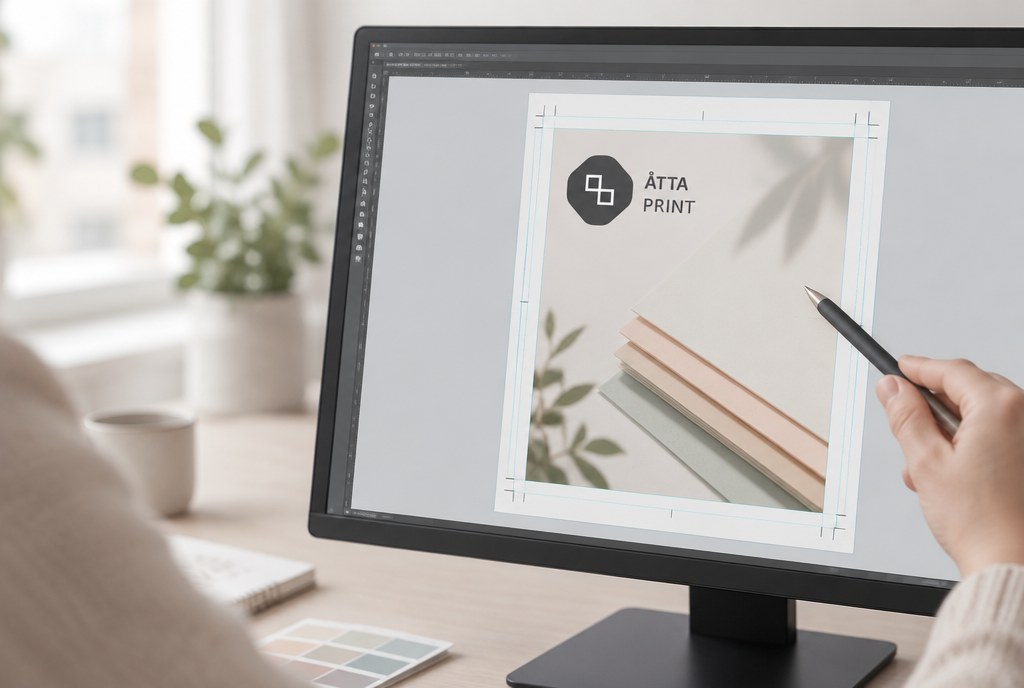
Before production, we send a PDF or image file with the final layout — this is the digital proof. It shows the content, placement, dimensions and colour breakdown, but a screen never reflects the printed colour with 100% accuracy.
If a project is colour-sensitive (corporate brand colour, skin tones in photos, a large solid-colour area), request a printed sample. For stickers and posters, this is usually a single printed copy; for garment printing, it's a sample on the same fabric. For screen printing, a sample is especially important, since setup costs from around €35.00 (excl. VAT), and remaking the screens after a mistake means paying that amount again.
Six things to check in every proof
1. Size and bleed
Make sure the proof dimensions match the ordered product. For a business card, that's 90x55 mm, plus 3 mm bleed on each side, totalling 96x61 mm. If the background is coloured or an image runs to the edge, it must extend into the bleed area — otherwise a white line will remain after cutting.
2. Safe margin
Keep text, logos and important elements at least 3–5 mm from the cut line. Cutting tolerance is roughly ±1 mm, and text starting 1 mm from the edge has no chance of looking good.
3. Colour space
All print files must be in CMYK. If a proof is prepared in RGB, bright greens and blues will appear duller in print. Black text should be 100% K, not four-colour black — otherwise small text will look blurry.
4. Resolution
For small formats (business cards, flyers, catalogues) — 300 dpi at actual size. For A2–A0 posters, 150 dpi is enough, since they're viewed from a distance. For PVC banners and roll-up stands, 100–120 dpi is perfectly fine. An image pulled from a website is almost always too small.
5. Fonts and vectors
Ideally, the logo and text should be outlined (converted to curves). This prevents font substitution and loss of Latvian diacritical marks. We accept .ai, .eps and .pdf files; for die-cut stickers, the cut line must be on a separate layer as a vector path.
6. Content and proofreading
Phone number, email, website, dates, prices, sponsor logos. Tip: have someone who didn't write the text read the proof. The author reads their own text from memory, not from the screen.
What to check specifically by product type
| Product | Bleed | Resolution | Pay special attention to |
|---|---|---|---|
| Business cards 90x55 mm | 3 mm | 300 dpi | Safe margin, 100% K text, orientation of both sides |
| Flyers, leaflets | 3 mm | 300 dpi | Fold lines, page order |
| Catalogue A4/A5, 8 pages | 3 mm | 300 dpi | Page count divisible by 4, inner margins |
| Poster A2–A0 | 3 mm | 150 dpi | Text size readable from 3 m away |
| Die-cut stickers | 2–3 mm | 300 dpi | Cut path on a separate layer |
| PVC banner | 10 mm | 100–120 dpi | Space for eyelets, text at least 50 mm from edge |
| Screen printing on garments | — | vector | Number of colours, print size and position |
| DTF, embroidery | — | 300 dpi / vector | Fine details, minimum text size |
For detailed format descriptions by product, see business cards and flyers and stickers.
What a mistake costs vs. what a correction costs
Proof corrections before approval cost us nothing — the setup fee for stickers, business cards and posters is €0.00. What costs money is what can no longer be undone: the printed run.
| Situation | Estimated extra cost (excl. VAT) |
|---|---|
| Correction before approval | €0 |
| Reprint of 100 business cards | from €25.00 |
| Reprint of 10 A1 posters | from €90.00 |
| Reprint of 100 catalogues A4, 8 pages | from €240.00 + €15.00 setup |
| New screen printing stencil | from €35.00 + printing from €1.50/pc |
| 2 m² sticker reprint | from €40.00 |
Prices are estimates, excl. VAT; the exact amount depends on quantity, material and print area.
How the approval process works with us
- We receive the files or request and check technical compliance — usually the same or the next business day.
- If there are issues (RGB, low resolution, missing bleed), we let you know and suggest a solution.
- We send the proof as a PDF.
- You reply with a written "approved" by email or WhatsApp. A verbal approval over the phone is not considered final.
- Production begins. Standard timeline after proof approval: stickers, banners and posters 2–5 business days, promotional products with logo printing 5–10 business days; urgent jobs — by agreement.
Important: after written approval, content errors (typos, wrong date, outdated logo) are the customer's responsibility. Technical production errors are ours. That's exactly why step 4 shouldn't be rushed while sitting in the car.
Common mistakes we see every day
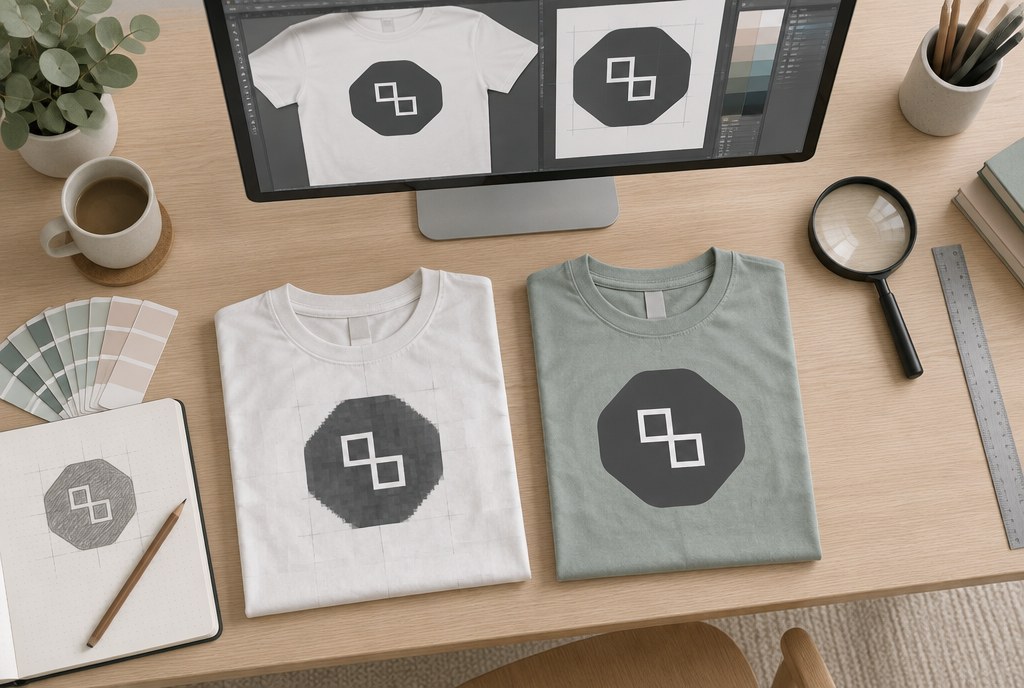
- A logo inserted as a JPG from a presentation — pixelated and with a white background on a coloured area.
- Text on a business card at 5 pt; in print it's only legible with a magnifying glass. The minimum is 6–7 pt, comfortably from 8 pt.
- Catalogue page count not divisible by 4.
- A screen printing proof says "only two colours", but the gradient actually has four.
- A banner with text 20 mm from the edge, right where the metal eyelets go.
- A phone number changed at the last minute in one place out of two.
If you're not sure about your file, send it for a check before placing your order — see the full range of services and formats in our print services section.
Frequently asked questions
Can I approve a proof if the colour on screen looks different from my brand guide?
Screen colour always differs from print. If the colour is critical, specify Pantone or CMYK values and order a printed sample — that's the only way to see the real result on the actual material.
How long do you need to prepare a proof?
If we receive the files in the correct format, we send the proof within one business day. If the layout needs to be created from scratch or corrected, it takes 1–3 business days depending on complexity.
Can anything still be changed after approval?
Within a few hours, usually yes, if production hasn't started yet — call us right away. Once printing or the screen printing stencil has begun, changes mean a new order at full price.
What file format should I send?
Vector graphics in .ai, .eps or .pdf, in CMYK colour space, fonts outlined, 3 mm bleed. Photos — TIFF or JPG at 300 dpi at actual size. If you only have a Word or Canva file, let us know right away so we can plan time for reformatting.
Does checking the proof cost anything?
Technical checks and standard corrections are free for our orders. A setup fee applies only to catalogues (from around €15.00), screen printing stencils (from around €35.00) and embroidery digitising (from around €25.00); all prices excl. VAT.
Send your artwork to info@attaprint.lv or WhatsApp +371 25776699 — we'll check the file and prepare a quote within one business day. If you have questions about formats, give us a call — our project manager Madara will help you get the files right the first time.
FAQ
Can I approve a proof if the colour on screen looks different from my brand guide?
Screen colour always differs from print. If the colour is critical, specify Pantone or CMYK values and order a printed sample — that's the only way to see the real result on the actual material.
How long do you need to prepare a proof?
If we receive the files in the correct format, we send the proof within one business day. If the layout needs to be created from scratch or corrected, it takes 1–3 business days depending on complexity.
Can anything still be changed after approval?
Within a few hours, usually yes, if production hasn't started yet — call us right away. Once printing or the screen printing stencil has begun, changes mean a new order at full price.
What file format should I send?
Vector graphics in .ai, .eps or .pdf, in CMYK colour space, fonts outlined, 3 mm bleed. Photos — TIFF or JPG at 300 dpi at actual size. If you only have a Word or Canva file, let us know right away so we can plan time for reformatting.
Does checking the proof cost anything?
Technical checks and standard corrections are free for our orders. A setup fee applies only to catalogues (€15.00), screen printing stencils (€35.00) and embroidery digitising (€25.00).