Mug Artwork Requirements: Size, Safety Margin and Text Placement
Precise mug artwork requirements: print area dimensions, safe margin from the handle and edges, text placement, file formats and deadlines.
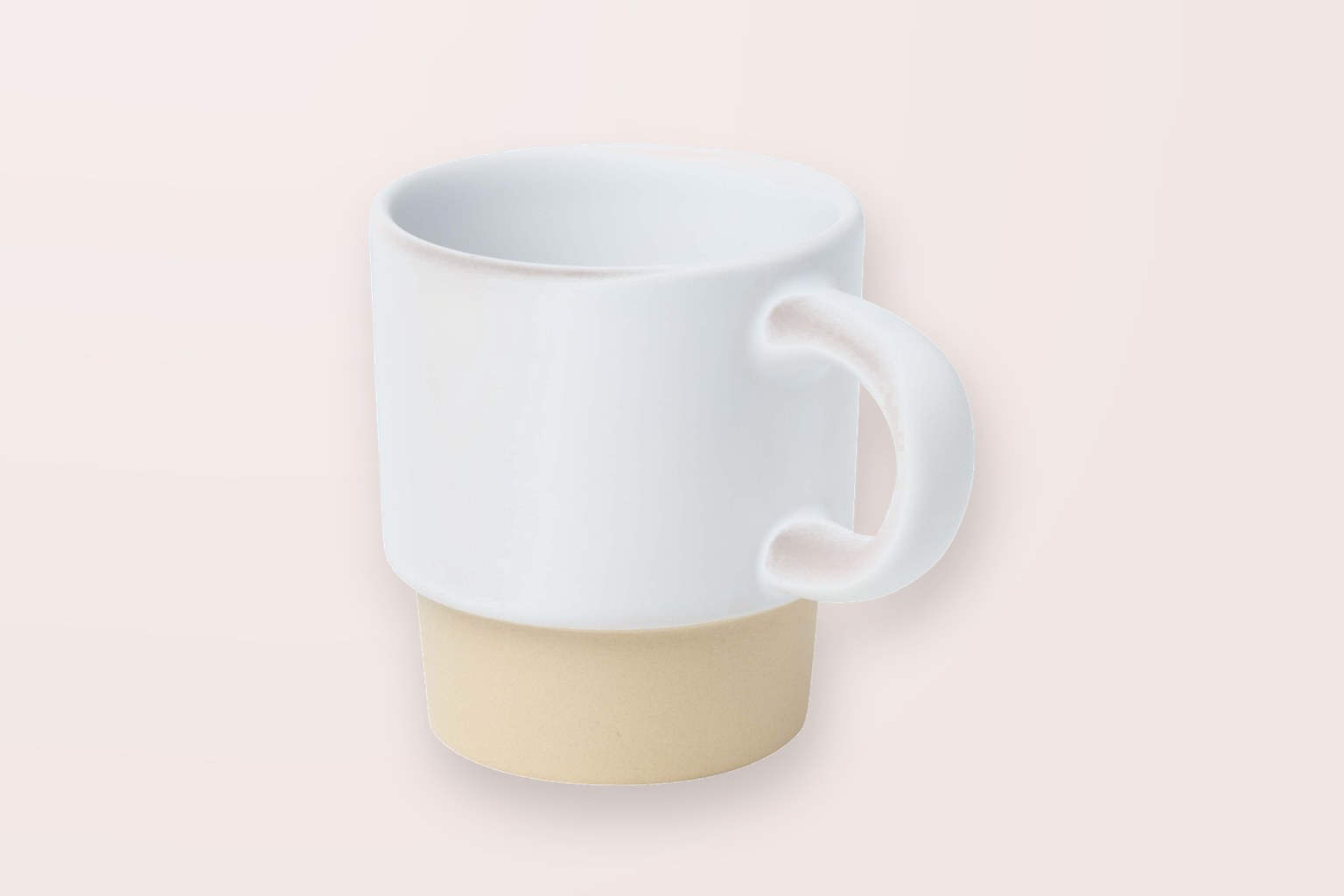
Artwork requirements for a standard 330 ml ceramic mug: print area approximately 200×90 mm (both sides combined, with a gap near the handle), safe margin of 5 mm from the top and bottom edges of the mug and at least 15 mm from the handle, resolution 300 dpi, colours CMYK, text converted to outlines. If the artwork is submitted without these margins, the image either shifts during production or a line of text gets cut off — that's why we always send the artwork for approval by email before printing.
Print area by mug type
Ceramic mugs are printed using sublimation: the image is heat-transferred onto a special coating. Plastic thermal mugs from our catalogue use 360° digital printing or pad printing for round surfaces — the print area there is different, because the mug body is conical.
| Mug type | Print area (approximate) | Technology | Safe margin |
|---|---|---|---|
| Ceramic mug 330 ml | 200×90 mm (both sides) | sublimation, full colour | 5 mm from edges, 15 mm from handle |
| Ceramic mug, one side | 90×80 mm | sublimation | 5 mm |
| Espresso cup 130 ml | ~50×40 mm | pad printing, laser engraving | 4 mm |
| Thermal mug 350 ml, 360° | ~220×95 mm | digital printing | 5 mm from top/bottom |
| Thermal mug, screen printing | ~60×50 mm, 1–2 colours | screen printing for round surfaces | 5 mm |
| Sports bottle 650 ml | ~180×90 mm | 360° digital printing | 5 mm |
Dimensions are approximate — each specific model has its own template, which we send along with the quote. For thermal mugs with a lid, the upper print boundary starts 8–10 mm below the rim, as the lid thread begins there.
How to place text so it doesn't shift
In sublimation, the paper transfer is wrapped around the mug by hand and secured in a press, so small 1–2 mm shifts are within normal technology tolerances. This means the artwork should be designed so that such a shift isn't noticeable.
- Keep text and logos at least 8 mm from the print area edge — not right on the border.
- Avoid thin frame lines running around the whole perimeter: they become wider on one side and narrower on the other.
- If the background is coloured, add a 3 mm bleed on each side so no white stripe remains.
- Vertical text near the handle doesn't work well — it's better placed horizontally in the mug's central band.
- Minimum font size for full-colour printing is 6 pt; for screen printing on a round surface — 8 pt, with lines no thinner than 0.4 pt.
Left-handed and right-handed versions
If printing is on one side only, specify which one: by default we place the image opposite the handle for a right-handed view (handle on the right). For double-sided printing in a single file, provide both images with a 55–60 mm gap in the middle — that's the zone where the handle sits.
File requirements
Vector graphics (.ai, .eps, .pdf, .svg) are the preferred option, as logo lines stay sharp at any scale. For raster images (photos, gradients), the minimum is 300 dpi at actual print size, not a small image later stretched up.
- Colour space CMYK; if there are brand Pantone colours, specify the codes separately.
- Text converted to outlines, or fonts included.
- Transparent background: PNG with a transparent background if the logo needs to go on a coloured mug.
- Don't submit logos cut out from a Word document or a website screenshot — these are usually 72 dpi.
- Include the mug model and print side in the file name, e.g. "americano350_front.pdf".
Sublimation and digital printing don't print white — on white ceramic this isn't an issue, but on a dark plastic body, the white parts of the artwork will remain the colour of the body. For dark bodies, we offer either screen printing with white ink or a lighter body variant.
Examples from our catalogue
A few examples from our catalogue:
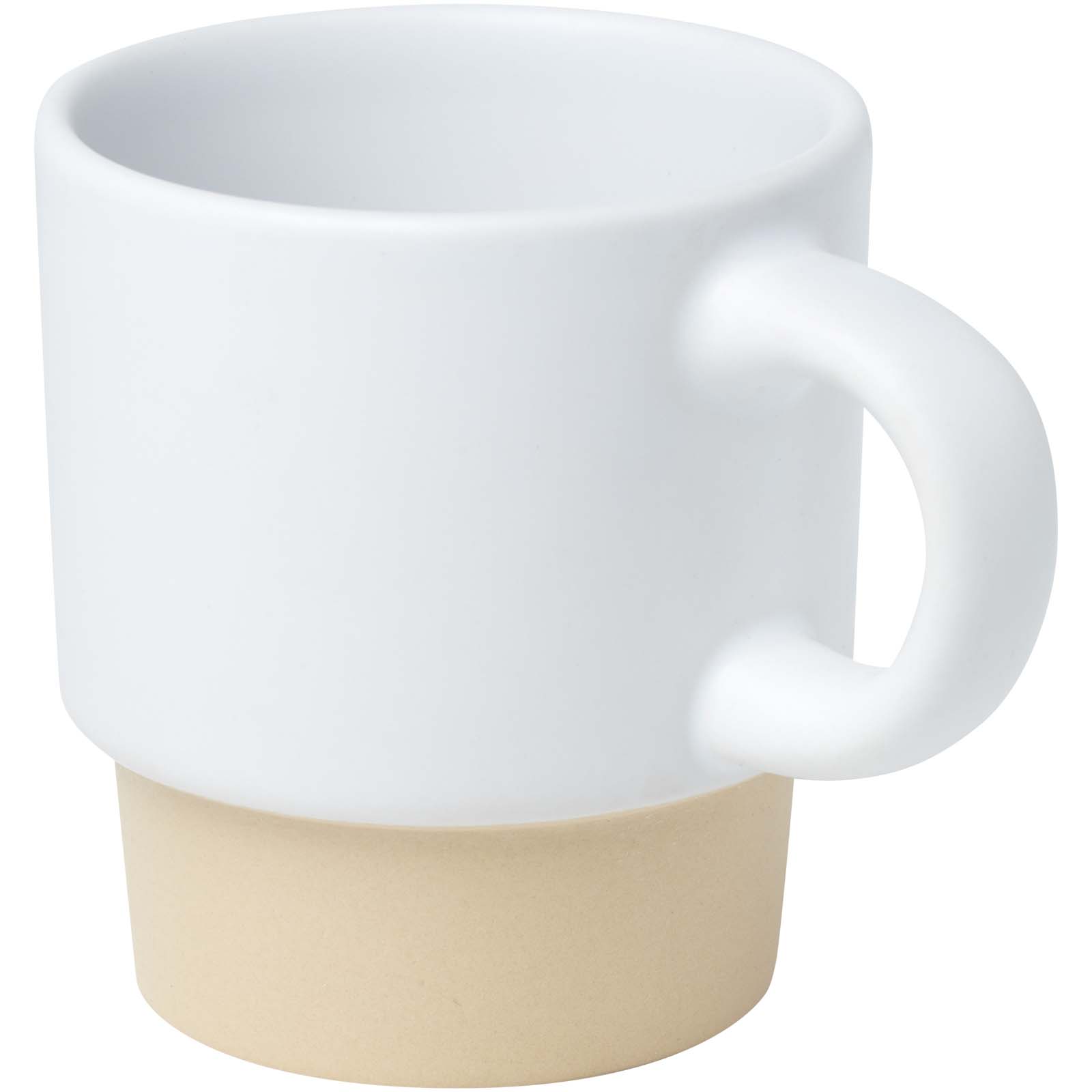
- Olympia 130 ml stackable espresso cup with clay base – ceramic, 3 colours, pad printing or laser engraving, small area around 50×40 mm, price from EUR 2.46/pc at 1 pc.
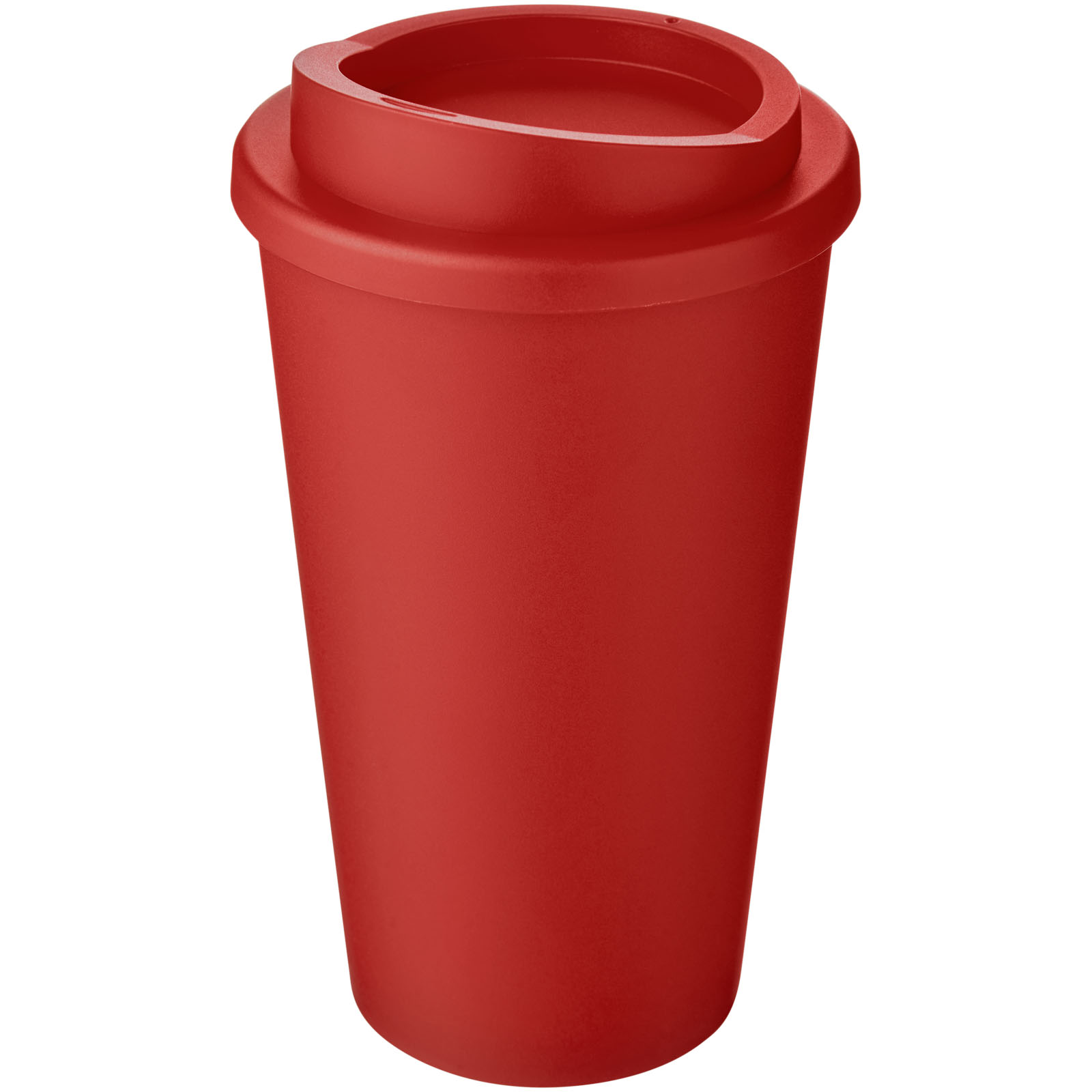
- Americano® 350 ml thermal mug – plastic, 41 colours, 360° digital printing or screen printing, price from EUR 5.00/pc at 50 pcs and from EUR 4.43 at 100 pcs.
- Americano® Eco 350 ml recycled material mug with lid – recycled plastic, 34 colours, 360° digital printing, price from EUR 5.42/pc at 50 pcs.
- Americano® 350 ml thermal mug with silicone grip – plastic, 31 colours, screen printing or digital printing, price from EUR 5.27/pc at 50 pcs.
- Americano® Infiniti 350 ml thermal mug – 28 colours, digital printing only (also 360°), price from EUR 5.00/pc at 50 pcs.
- Brite-Americano® grande 350 ml thermal mug – 26 colours, in-mould printing for drinkware, price from EUR 6.12/pc at 50 pcs.
How artwork approval works
After a request, within one business day we send an online quote and a PDF with product images, prices, print location, set-up fee and lead time for each item. On request, we prepare a 3D view with your logo on the specific mug, so you can see the scale and placement. We only start production after written artwork approval by email.
We do sublimation on ceramic mugs from 1 piece; for catalogue thermal mugs, the usual lead time is 6–10 business days (production 4–7 business days + delivery 2–3 days). Other promotional products with a logo follow the same schedule.
FAQ
What is the maximum print size for a standard mug?
For a standard 330 ml ceramic mug, approximately 200×90 mm, wrapping around the body and leaving a gap near the handle. For single-sided printing, the actual area is around 90×80 mm. We send the exact template for the specific model along with the quote.
How large does the safe margin need to be?
5 mm from the top and bottom edges of the mug, 15 mm from the handle. It's recommended to keep text and logos at least 8 mm from the area border, as a 1–2 mm shift is possible when wrapping the transfer.
Can an image be printed all the way around the mug with no gap?
Not on a ceramic mug — a technological gap always remains near the handle. Full 360° printing can be done on plastic thermal mugs without a handle, such as the Americano® 350 ml or Americano® Infiniti 350 ml.
What files should be sent?
Vector .ai, .eps, .pdf or .svg with text as outlines; for raster, 300 dpi at actual size, CMYK. For a logo on a coloured body, a PNG with a transparent background is also recommended.
Is white printed?
Sublimation and digital printing don't print white — wherever the artwork has white, the mug material colour remains. To get a white logo on a dark body, we use screen printing.
How long does it take to get mugs with printing?
Sublimation on ceramic mugs usually takes 1–3 business days, catalogue thermal mugs 6–10 business days (production 4–7 business days + delivery 2–3 days). Urgent jobs are reviewed separately by agreement.